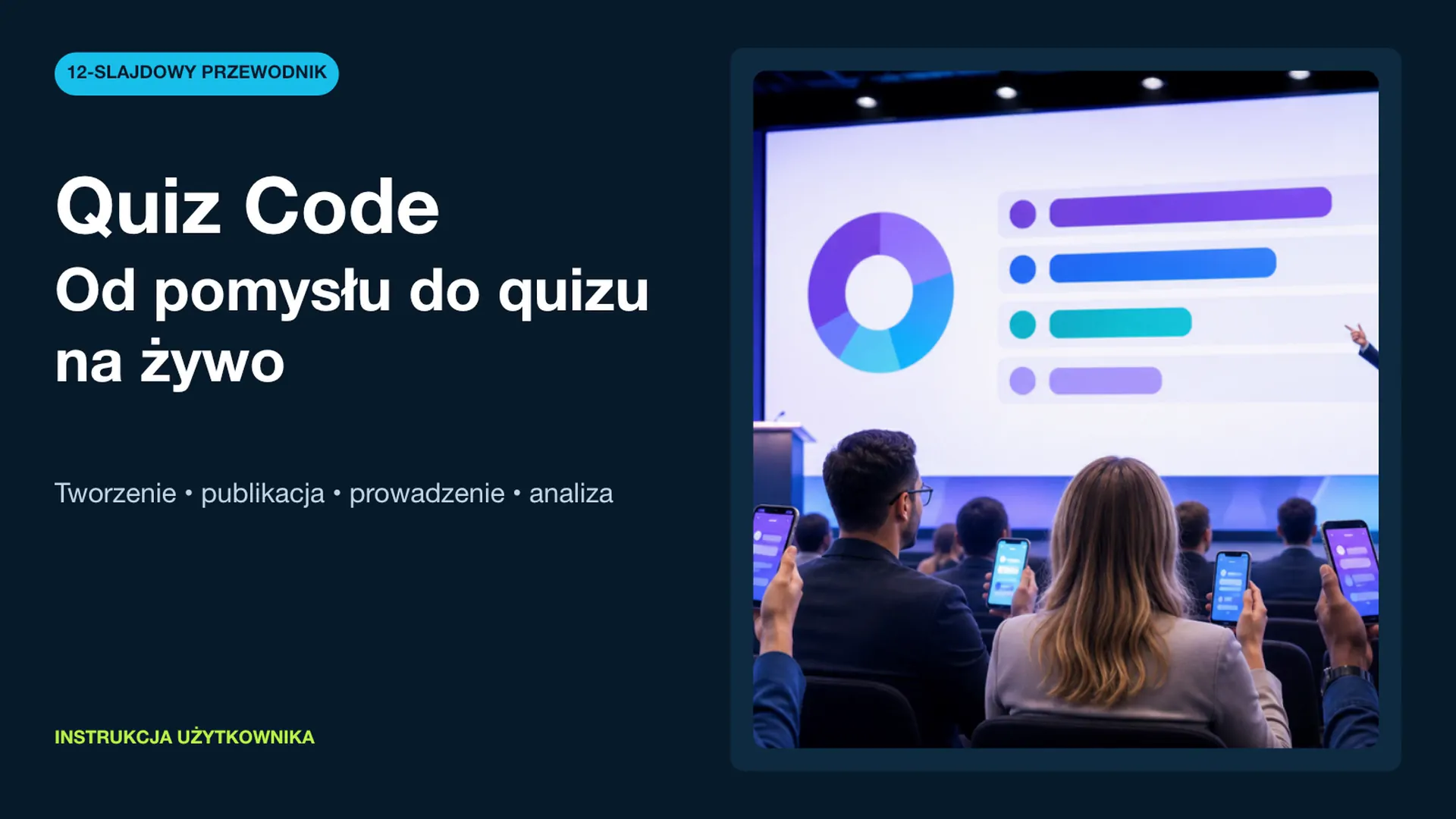
An interactive conference quiz: turn a passive audience into a shared experience
A practical framework for running a live quiz that engages a large audience, supports the host and produces useful post-event insights.

When a quiz genuinely improves a conference
A quiz works best as part of the event narrative: it can diagnose prior knowledge, reactivate the room after a demanding talk, or close a session with a shared recap. For the host, responses provide an immediate view of what the audience understands and where another explanation is useful.
Choose one primary goal before writing questions: activation, retention, feedback, or friendly competition. Trying to deliver all four in a short session usually weakens the result.
A reliable live-session format
- Join — 2 minutes. Display the code and a one-sentence instruction. Start with an easy technical question.
- Warm-up — 3 minutes. Ask about the audience's experience. Use the response as the opening point for the host.
- Core — 6–10 minutes. Run five to eight questions, alternating knowledge checks with scenario choices. Pause after important results and explain the takeaway.
- Finale — 2 minutes. Recognize the participants and connect the outcome to the event's central message.
Questions that work on a large screen
Each question should test one idea. Keep answer options short enough to read from the back of the room. Scenario prompts such as “What would you do first?” often create a stronger discussion than definitions. Aim for accessible difficulty with one or two thoughtful surprises.
Treat rehearsal as part of the content
Test the quiz on the actual screen and host network. Keep the join code on a backup slide. Agree who advances questions, who comments on the results, and what happens if connectivity is interrupted. A ten-minute rehearsal prevents more friction than a long instruction during the event.
Expert note: do not comment only on the leaderboard. The distribution of answers—especially a nearly even split—often creates the most valuable conversation.
Measure the learning, not just the excitement
Review starts versus completions, accuracy by question, and drop-off points. A low-scoring item may reveal a difficult topic or an unclear question, so interpret the data alongside what happened on stage. Use it to improve the next session, not as an isolated assessment of attendees.
Organizer checklist
- one explicit session goal;
- five to eight short questions plus a test item;
- a rehearsal of the host, screen and connection;
- a visible join code and fallback plan;
- an assigned results facilitator;
- a defined post-event use for the data.
The takeaway
A well-designed quiz turns spectators into participants. Quiz Code handles the interaction layer, while the goal, pacing and host commentary create the experience. Start with a short session and improve it using actual audience responses.
Ready to try this scenario at your event? Use our online quiz guide to prepare your own questions.
Read the guide to creating online quizzesFrequently asked questions
Do attendees need to install an app?
No. They join in their phone browser using a code supplied by the organizer.
How many questions should a conference quiz contain?
Five to eight questions is usually enough for a 10–15 minute session including host commentary.
Can the results be used after the event?
Yes. Review completion, question accuracy and answer distribution together with the context of the live session.
More use cases



Design your own format
Create a quiz, test it with a small group and improve it using real participant responses.
Try Quiz Code